
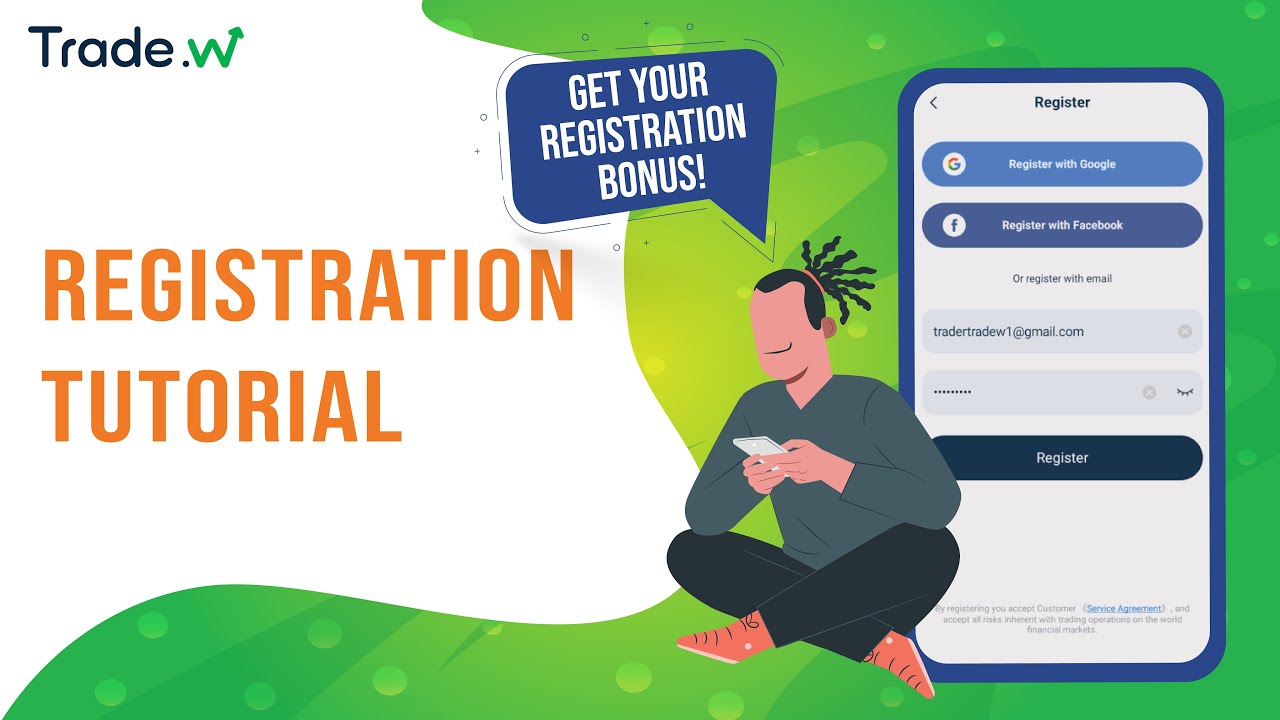
Below are the steps to register a new Trade W account via the app:
Step 1: On the app login page, tap Register.
Step 2: Enter your valid email address and, if you have one, input your referral code (optional). Then tap Register.
Step 3: A verification code will be sent to your email. Enter this code in the app to continue.
Please check your Inbox, as well as your Spam or Promotions folders. The verification code is only valid for 10 minutes.
Step 4: Set a login password. Your password should contain 6–15 characters, with a mix of letters and numbers (for example: xyz123).
Step 5: Select the correct Country/Area that matches your place of residence.
Alternative Registration Methods
You can also register quickly by using your Google or
Facebook account directly from the app’s registration
page.
Registration Tutorial Video:
Comments
12 comments
Please how to update ID number
Please how to update ID number
32
Pls how can I get referred code
Hello trader Stanleykingsleyokwara, to get referral code you can click the Activity page.
Please I don't understand
Hello lamisambai
Can you tell me which part you don't understand?
How to trade
Hello Joseph Ene Ruth
If you are new at trading and would like to know more, then we would strongly suggest to practice in demo account first.
You can trade with real market values without using real money in demo account. Although please note that demo account is not real money and are for practice purposes only.
If you would like to know more about our application, then please check out our youtube tutorial video below:
https://www.youtube.com/watch?v=8OCeBr_ytJY
soyeb
Armabello
Daborah oladele
Please sign in to leave a comment.